
Your cameras are already there.
Nobody is
watching them.
CVAI Store Visual Analyse connects to your existing IP cameras and keeps checking the rules you define. No staff behind the counter, a queue getting too long, a store that did not open on time: each one arrives as an instant alert with an evidence frame.
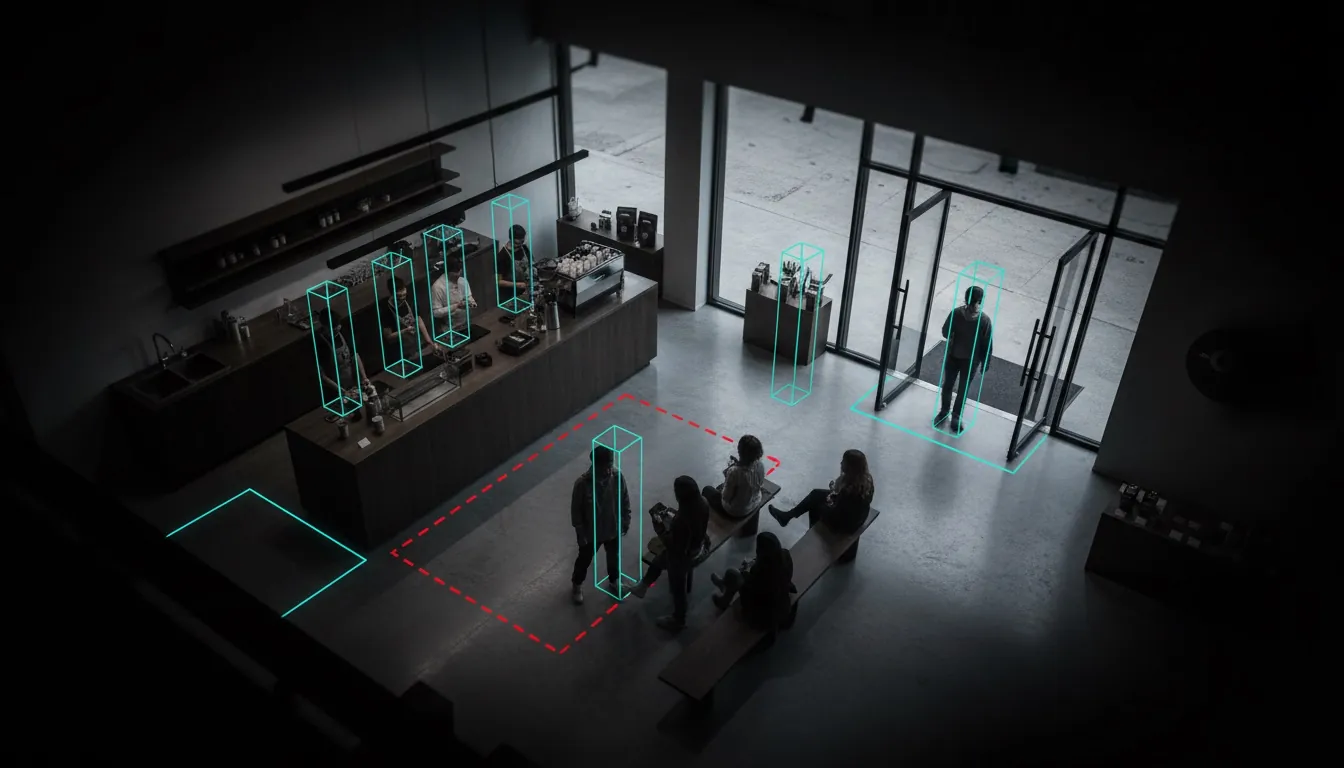
STAFFING
Is anyone behind the counter?
QUEUE
An alert the moment the line is too long
OPENING
Real opening and closing time
EVIDENCE
Every alert comes with a frame
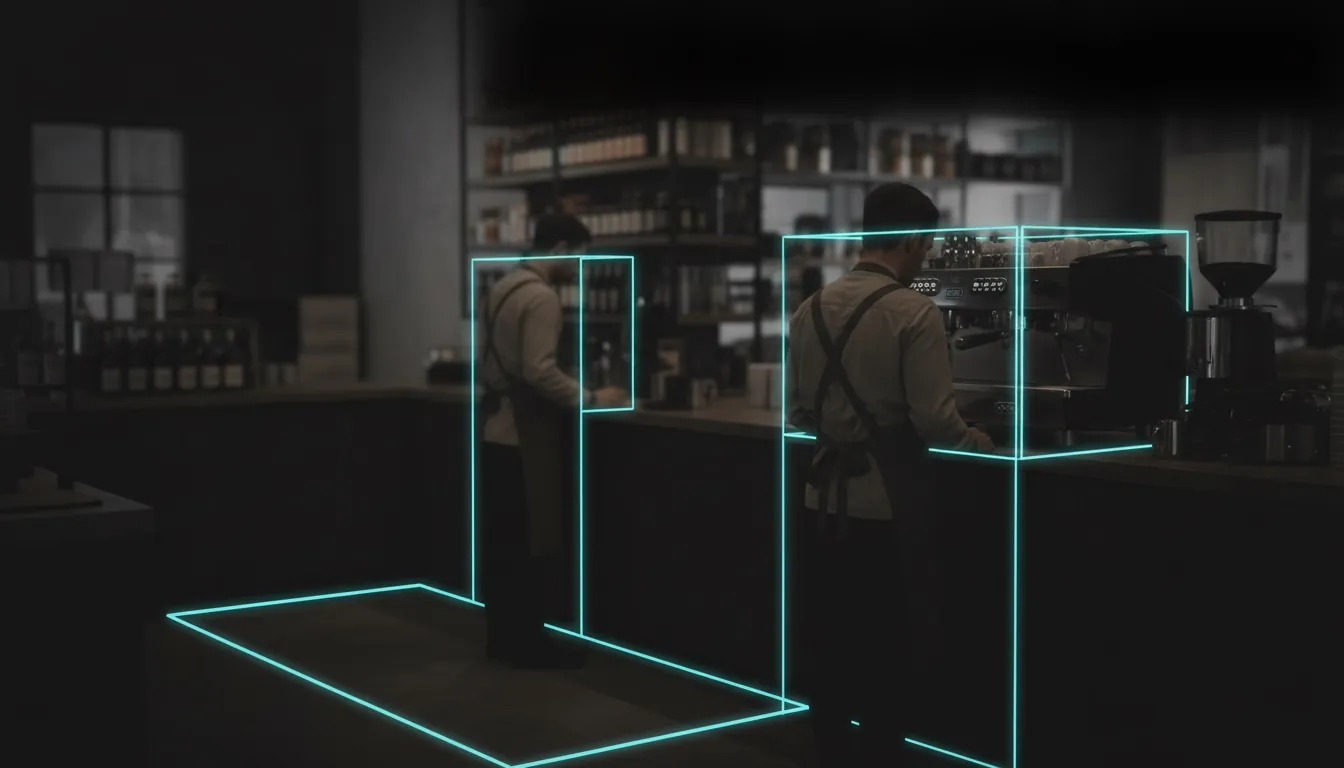
Representative scene.
Is There Staff Behind the Counter?
An empty counter at peak hour is a lost sale. You set how many people must be behind the counter for each day and hour; when the count drops below it and stays there, you get an alert.
- scheduleA different minimum per day and time slot
- accessibility_newBending down or leaving the frame for a moment is not an alarm
- photo_cameraThe evidence frame is saved with the alert
- groupsCounts people, never identifies them
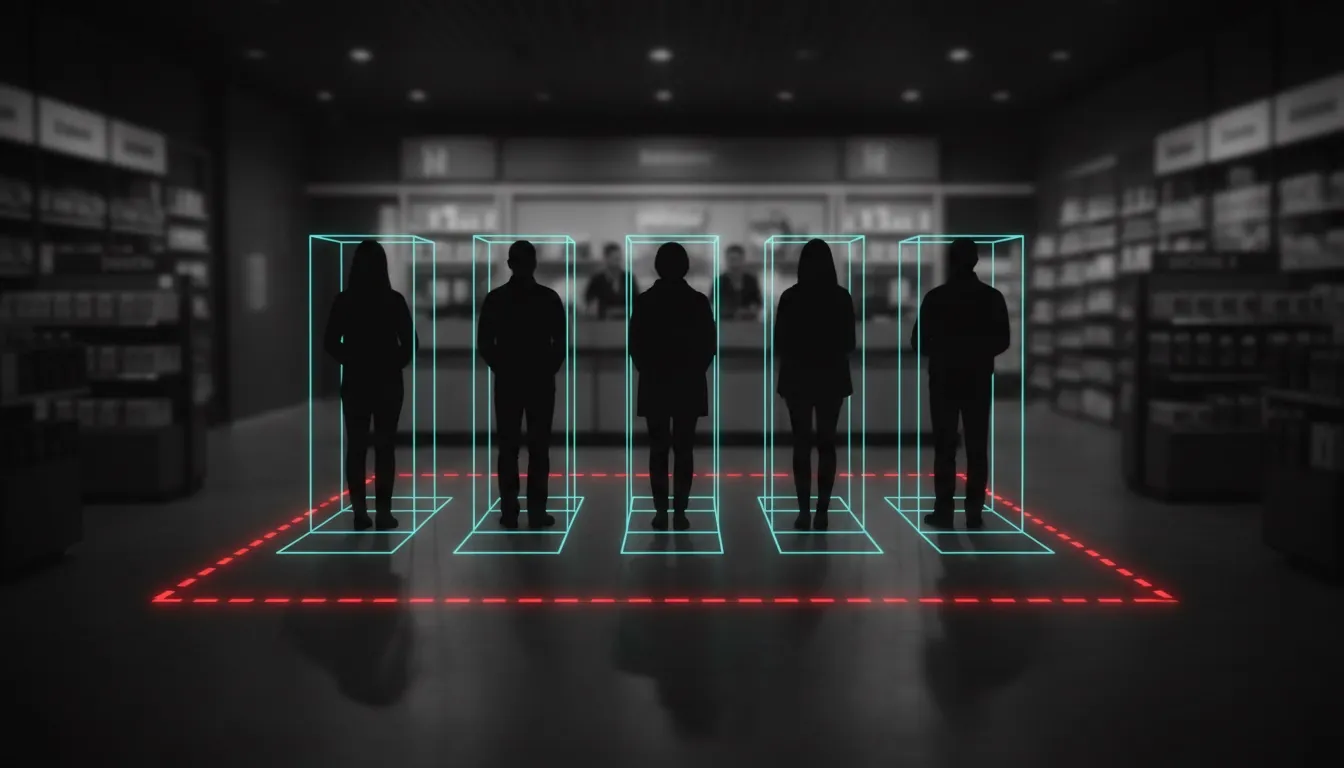
Representative scene.
When Did the Queue Get Too Long?
You usually hear about a long queue after the customer has left. People waiting in front of the counter are counted continuously and the branch is alerted the moment your threshold is passed.
- people_altAn alert the moment the threshold is passed
- directions_walkPeople walking through are not counted as queue
- monitoringBreaches charted through the day; peak hours become clear
- event_availableStaff planning based on real data
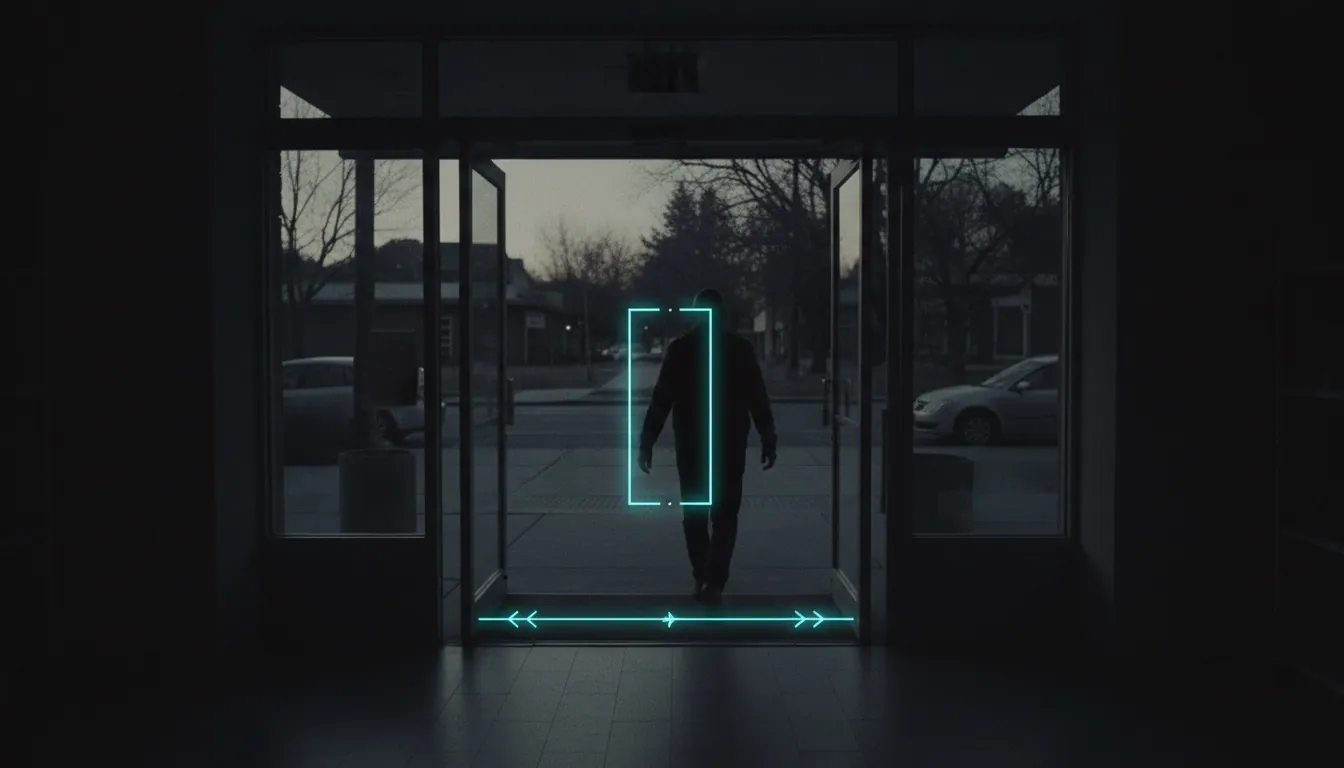
Representative scene.
Did the Store Really Open on Time?
Today the answer is whatever staff report. A direction-aware line at the door counts every pass; the first and last pass of the day give the real opening and closing time.
- swap_horizEntries and exits counted separately
- scheduleActual opening and closing time, no self-reporting
- reportLate openings and early closings reported automatically
- compare_arrowsBranches compared on objective data
Installed on Top of Your Existing Cameras
Connects
Connects to your existing IP cameras. No new cameras, no new cabling.
Sees
Detects people and tracks them frame by frame. No identification: it only knows “a person is here”.
Measures
Counts against the zones and lines you draw in the browser: how many, how long, in or out.
Verifies
A momentary situation does not raise an alarm. The condition has to persist; the same alert is not repeated.
Notifies
Once a violation is confirmed, an alert is raised, the evidence frame is saved and it lands on the panel.
It does not cry wolf.
A manager who gets thirty alerts a day stops looking at any of them. An alert is raised only when a condition persists; short passes are ignored and the same alert is not repeated during a cool-down period.
Rules Are Defined From the Panel, No Code Needed
Zone Drawing in the Browser
Draw zones, lines and areas over the camera image with your mouse.
Rule Panel
Camera, zone, rule type, days and hours, threshold: all from the panel.
Dwell Time
Measures how long people stay in a zone you define.
Entry / Exit Counting
Direction-aware visitor counting; entries and exits never mix.
Heatmap
Shows where in the store the density builds up.
Privacy Masking
Selected areas of the image can be masked to meet data protection rules.
Camera Inventory
Cameras are imported in bulk from Excel or CSV; recorders are found by scanning.
Test With a Video File
Try a rule on recorded video before connecting to a live camera.
Evidence Frame
Every alert keeps the image of that moment.
PRIVACY BY DESIGN
Frequently Asked Questions
Does CVAI Store Visual Analyse use face recognition?
expand_more
No. It only detects that a person is present and counts people in the zones you draw. There is no face recognition or biometrics, and only counts and events leave the store — never raw video.
Do we need new cameras?
expand_more
No. It connects to the IP cameras you already have, with no new cameras or cabling.
How does it avoid false alarms?
expand_more
An alert is raised only when a condition persists for a set time; short passes are ignored and the same alert is not repeated during a cool-down period.
Start with one store and one rule.
We will show you the rest.
We connect to the cameras you already have and start with a pilot in a single branch.
- check_circle The first call is free and technical
- check_circle We start under NDA
- check_circle Scope and price are clear up front
PROJECT REQUEST FORM